 Walmart
Seller
◎ English⌄
Install Walmart Seller
on Your iPhone
Add to Home Screen for a faster, app-like experience with full features.
✓No App Store required✓Quick and easy installation✓Works like a native appWalmart Seller
Walmart SellerStep-by-Step Guide
1
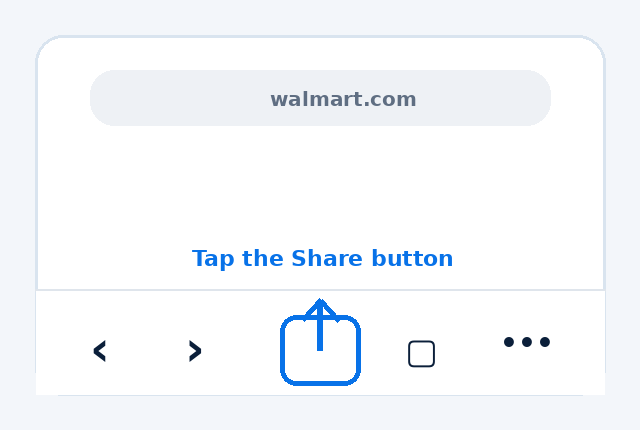
Tap the Share button
In Safari, tap the Share button at the bottom.
2
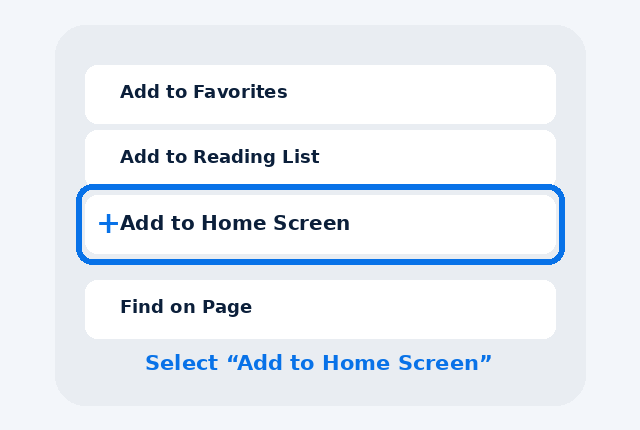
Select Add to Home Screen
Scroll down and tap “Add to Home Screen”.
3
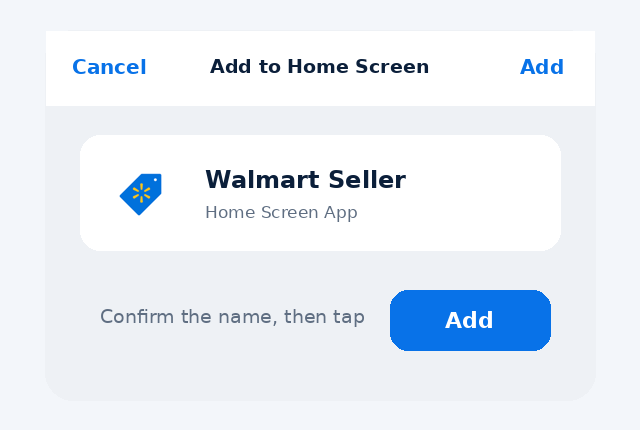
Tap Add
Check the app name “Walmart Seller” and tap Add.
4
Done!
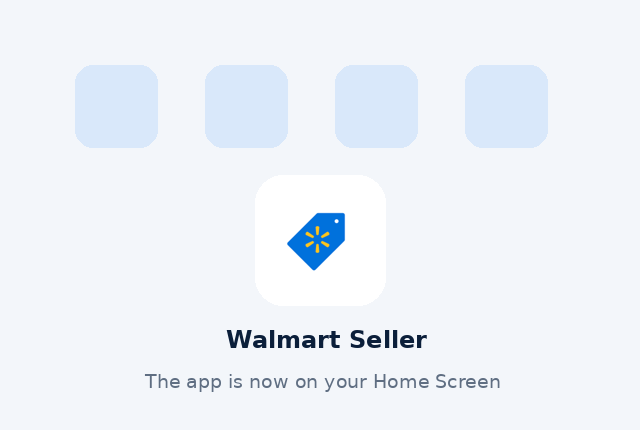
Walmart Seller will now appear on your Home Screen.